

Every book and document, one library
Import EPUB, PDF, Markdown, text, HTML, FB2, DOCX and ODT. Grid or list, your own categories, rich covers, and a progress line under every book.
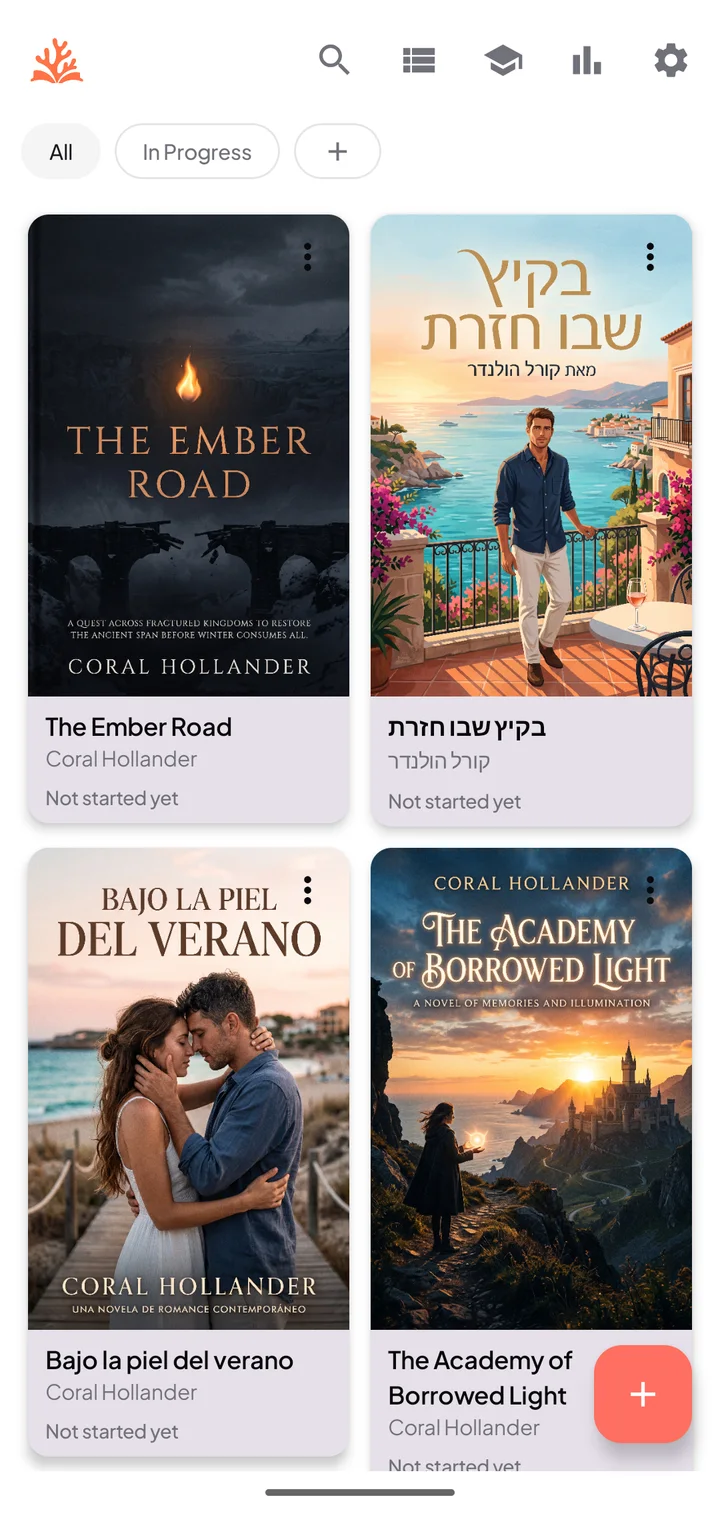
Reader · Books, documents and the words you learn
Read beautifully, understand more, and keep learning anywhere. Every format you read, in one comfortable reader you can shape to your eyes, with private, on-device translation.


Three things, done well
Bring books and documents together in one comfortable reader, understand selected text with private on-device translation, and keep reading and understanding in one focused experience.
Import EPUB, PDF, Markdown, text, HTML, FB2, DOCX and ODT. Grid or list, your own categories, rich covers, and a progress line under every book.
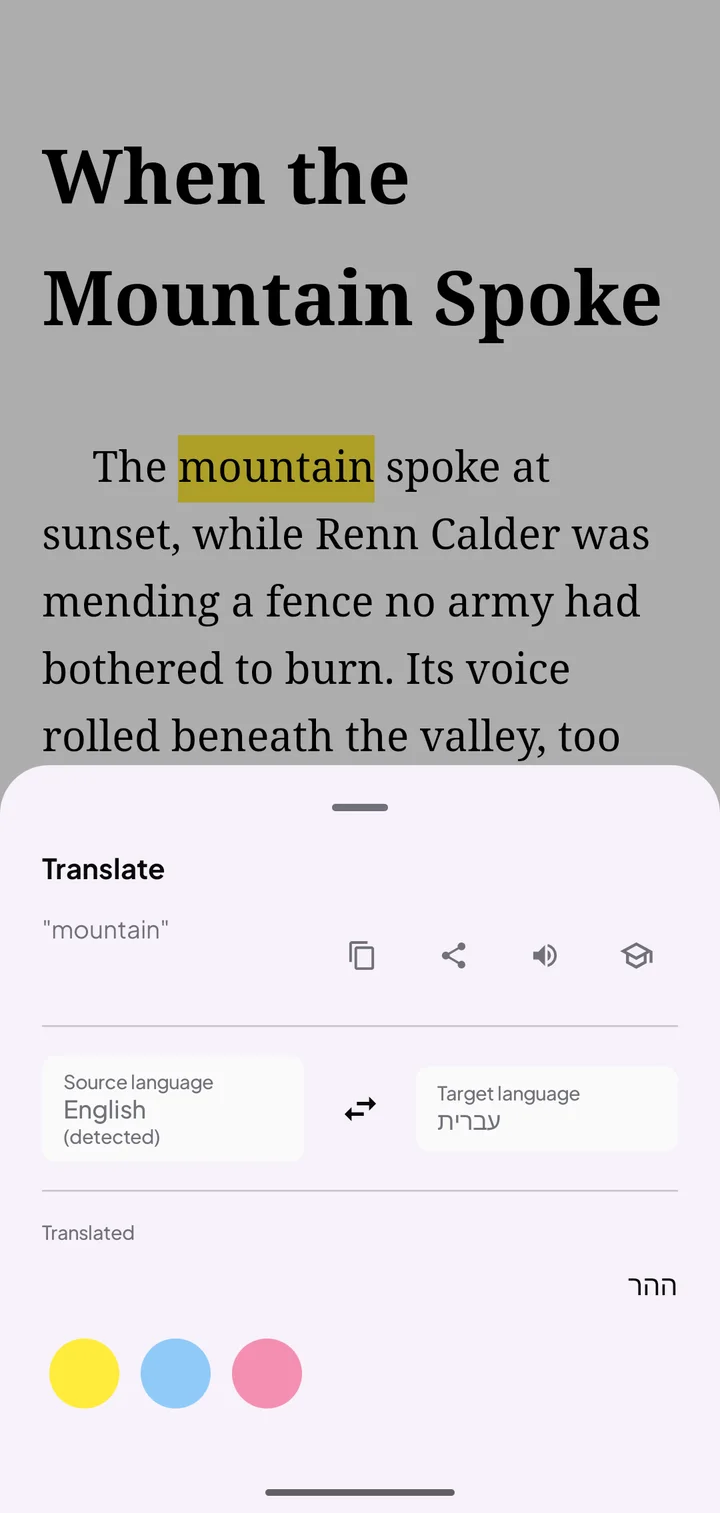
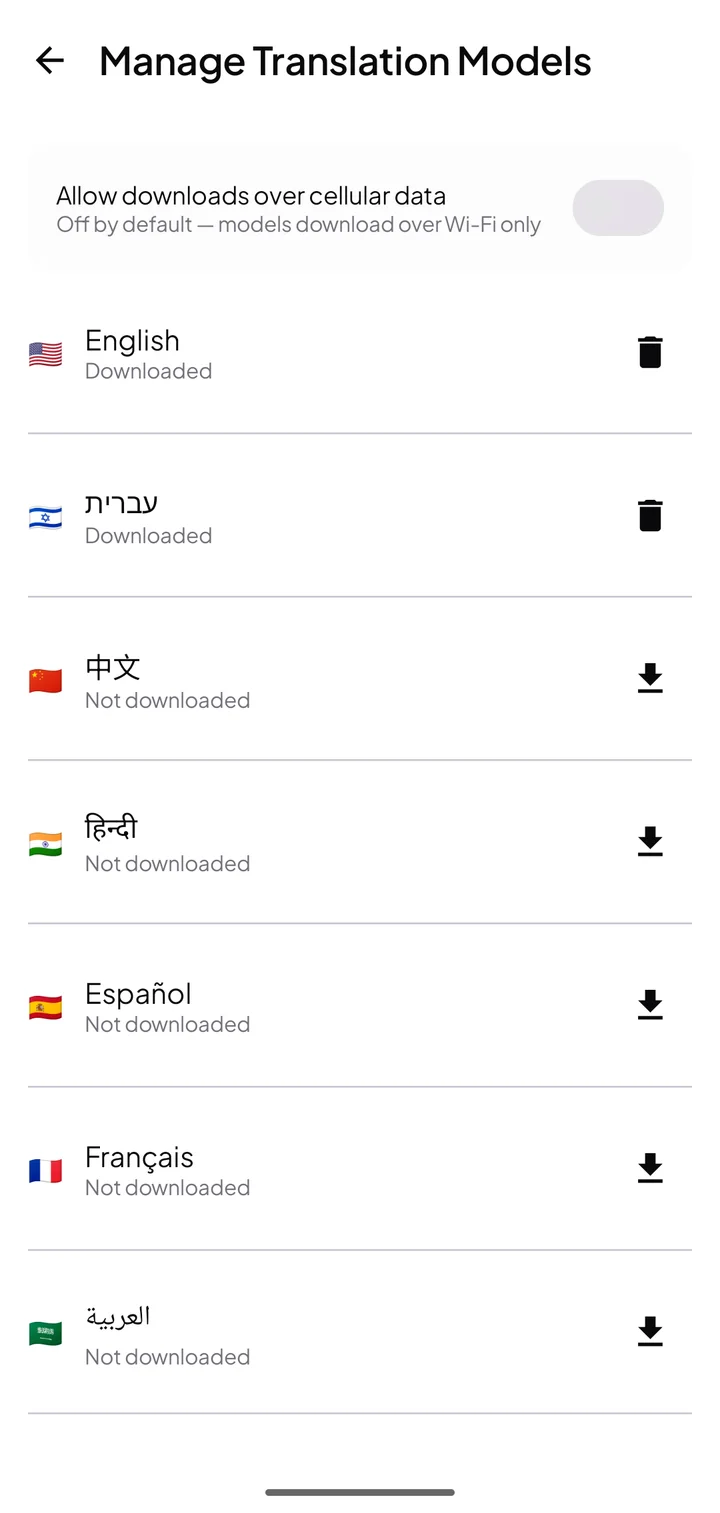
Pick a language pair, download its on-device model once, and translate selected passages without leaving the page. The result appears under the text; one tap saves the word.
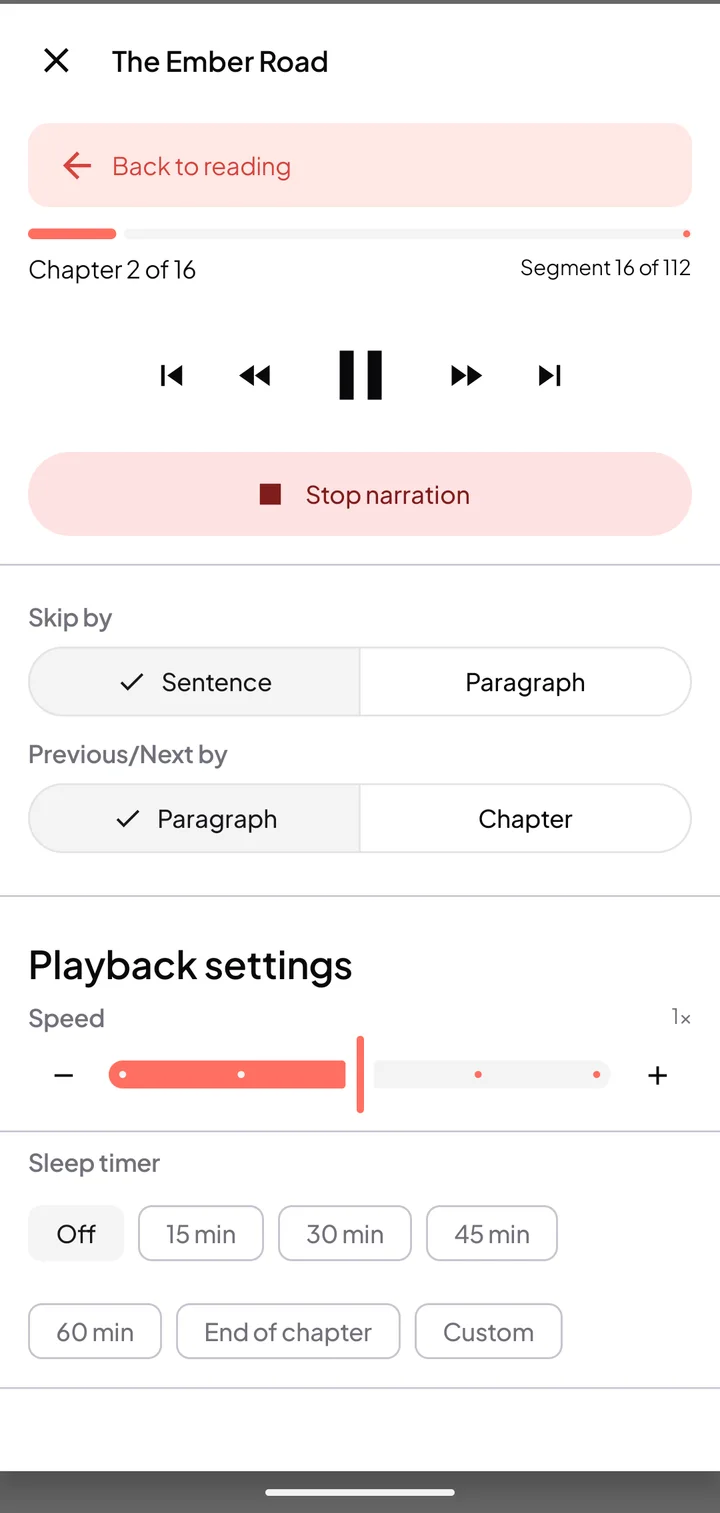
Listen to books with Read Aloud as a Coral Pro member: skip by sentence or paragraph, set the speed and a sleep timer, and jump back to reading any time.
Made for comfort
Light, sepia or dark. Fonts, size, zoom, margins, line height and letter spacing, each previewed live on the page you are reading. Right-to-left scripts flow naturally, page by page.
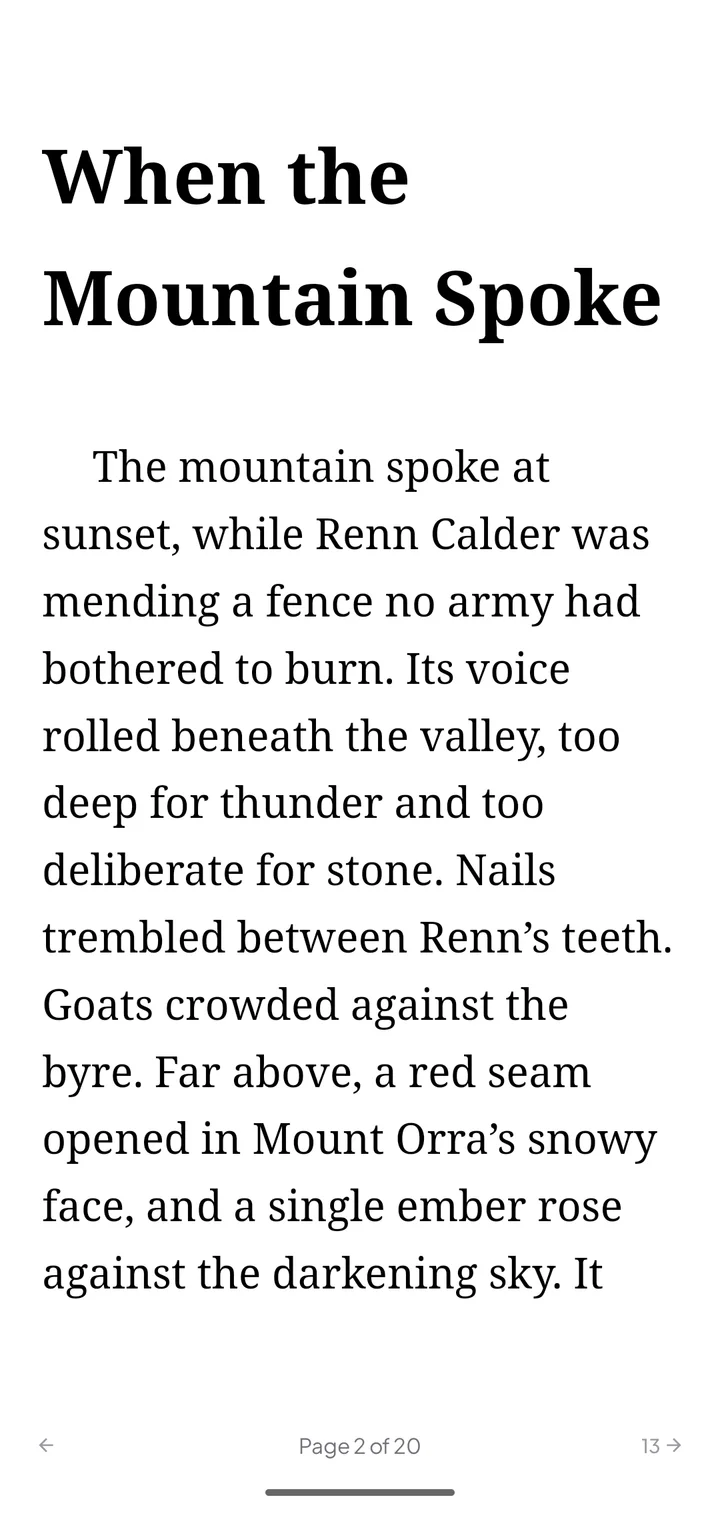
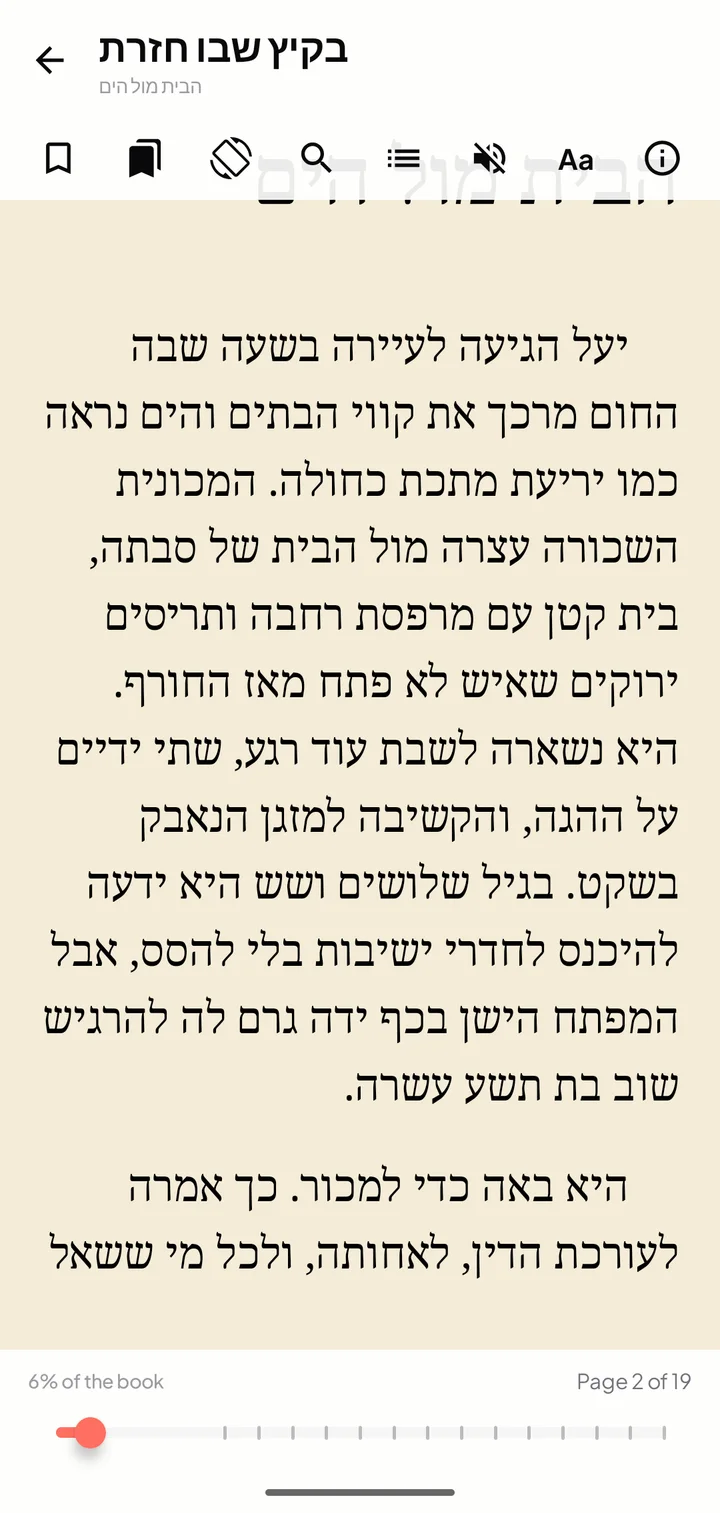
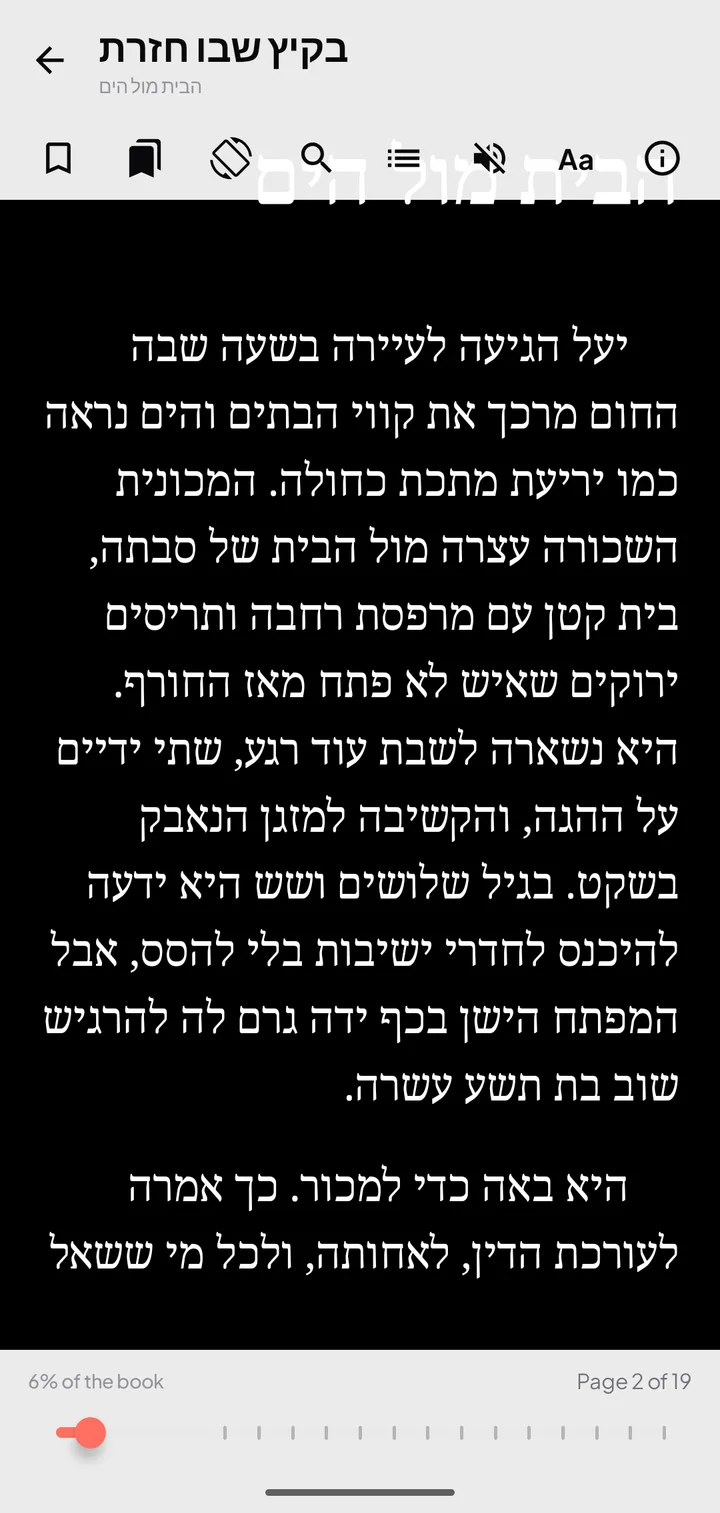
Read in one continuous scroll, turn discrete pages, or scroll to read and turn a page from the edge. Flip horizontally, vertically or both.
Bundled fonts for many scripts, font size and zoom, margins, line height, letter spacing, natural or justified text, brightness and rotation lock.
Jump by chapter with page numbers, drop bookmarks as anchors to return to the exact page, and search inside the book.
Every book remembers its position. A progress bar with chapter tooltips shows where you are, and Book info keeps chapter and percent at a glance.
Highlight in yellow, blue or pink, keep notes, and open footnotes in place.
Books in any script, right-to-left layouts and direction-aware controls, an app interface in your language, and translation between the languages you read. Reading stats and streaks keep every page counting.
Stay in the story
Leaving a book to look up words breaks reading flow. Coral Reader turns reading moments into learning moments without leaving the page.
Understand selected text with private, on-device translation, in the language pair you choose, once its model is downloaded.
mountain → ההרSave translated words with reading context in your personal vocabulary: the translation, a dictionary definition, the sentence it came from and your progress.
“The mountain spoke at sunset…”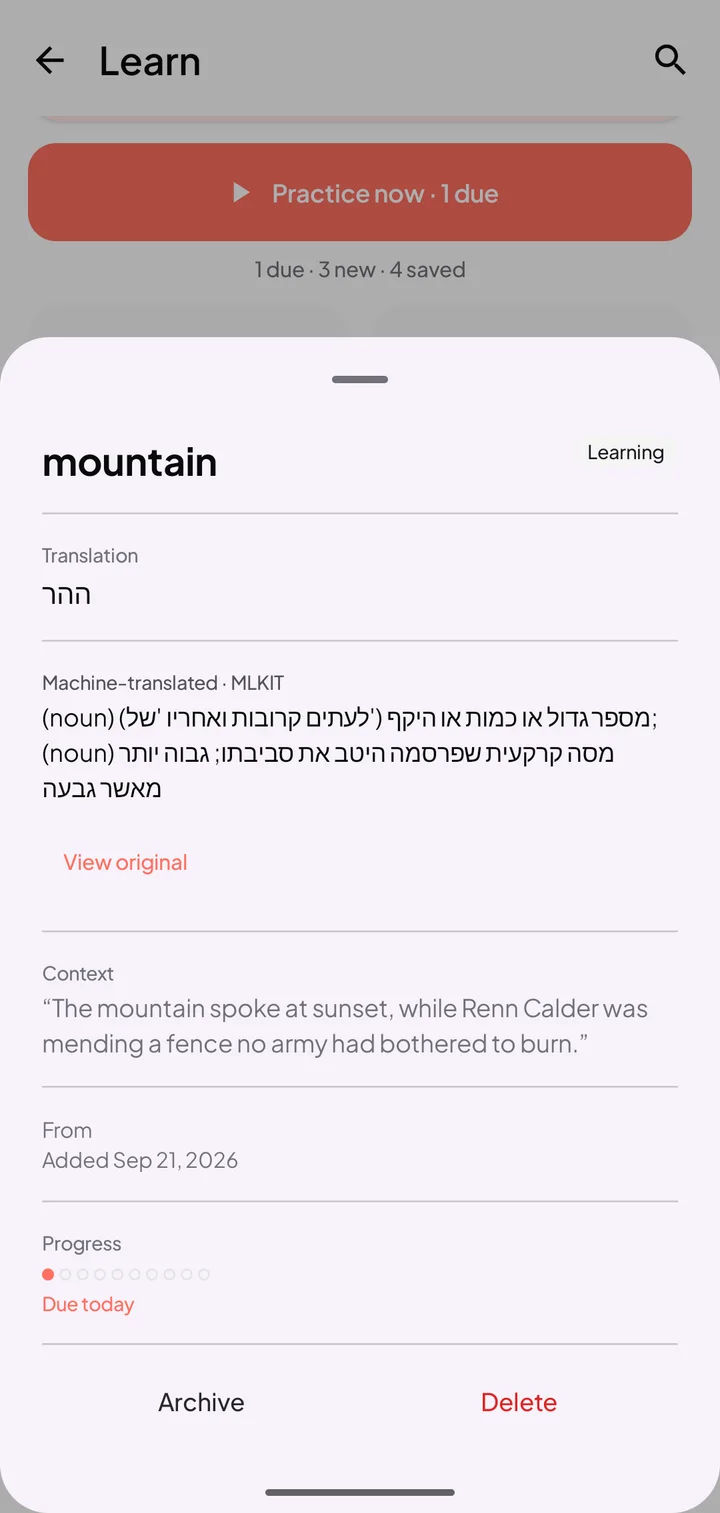
Practice offline with adaptive quizzes, typed recall, and contextual exercises. Earn XP, keep a streak, and watch mastery grow.
1 / 4 · What is the word for ההר?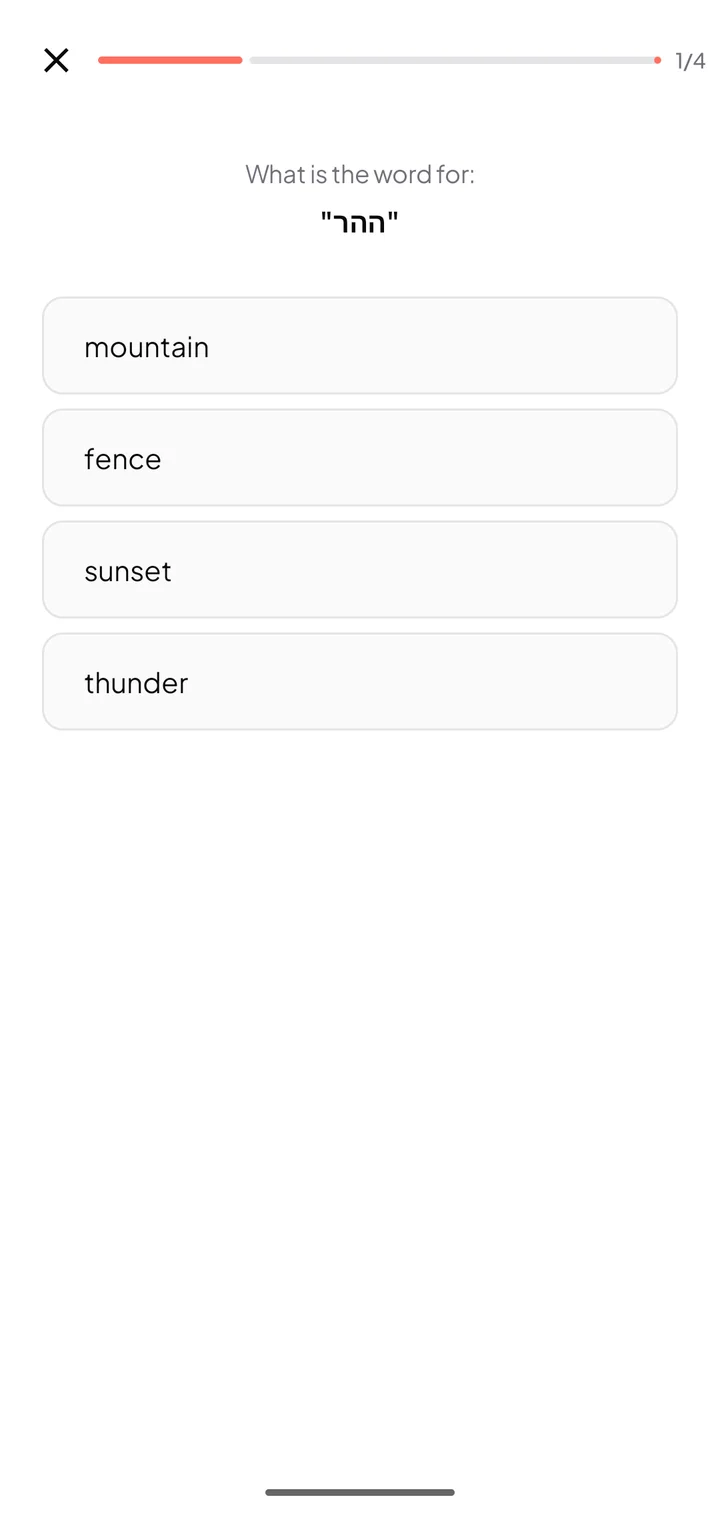
Fifteen seconds
Real screens from Coral Reader on Android: the library, paged reading, three themes, display settings, on-device translation and Read Aloud.
Private by default
Your library lives on your device. Translation runs with downloaded on-device language models, so the passages you select are never sent to a translation service. Read Aloud uses on-device voices.
Coral Pro
Coral Pro unlocks Read Aloud, highlights and notes, and the full reading experience. Monthly, yearly or lifetime, billed by your app store, with Restore Purchases on any new device.
Free to start · Android & iOS
Bring your books and documents together. Read beautifully, understand more, and keep learning anywhere.
Screens on this page were recorded from Coral Reader 1.10.2 on Android. Translation uses downloadable on-device language models; available language pairs depend on your device's translation engine.